Play The Amazing Digital Dating Sim in your browser

The Amazing Digital Dating SimBrowser play

Visual novel · Browser · Fangame

The Amazing Digital Dating Sim

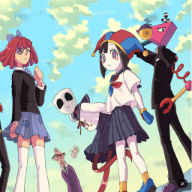
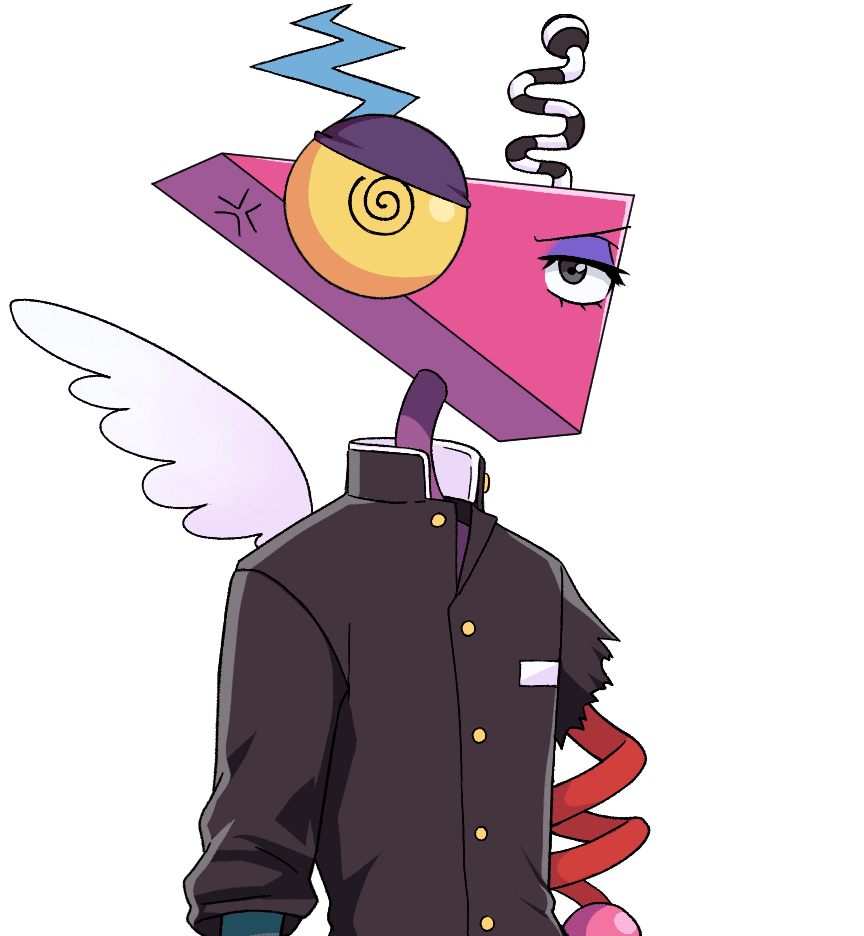
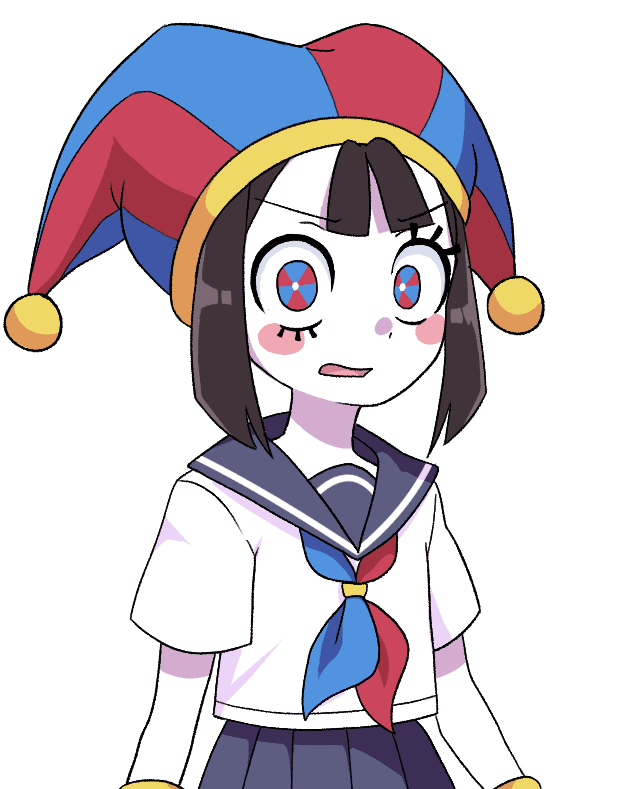
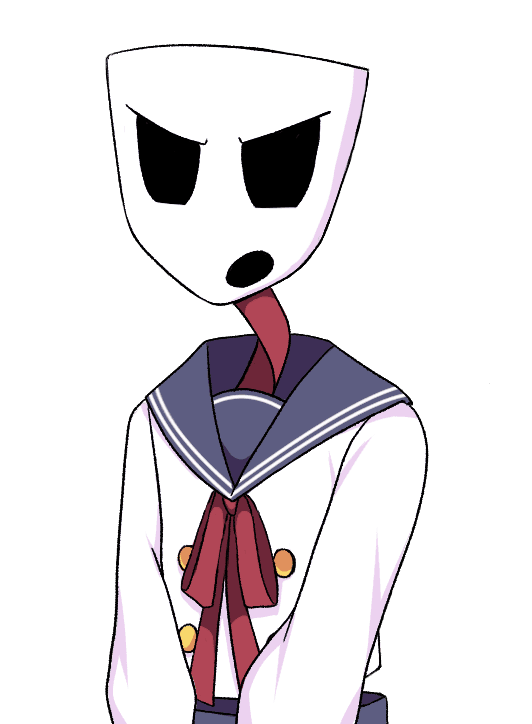
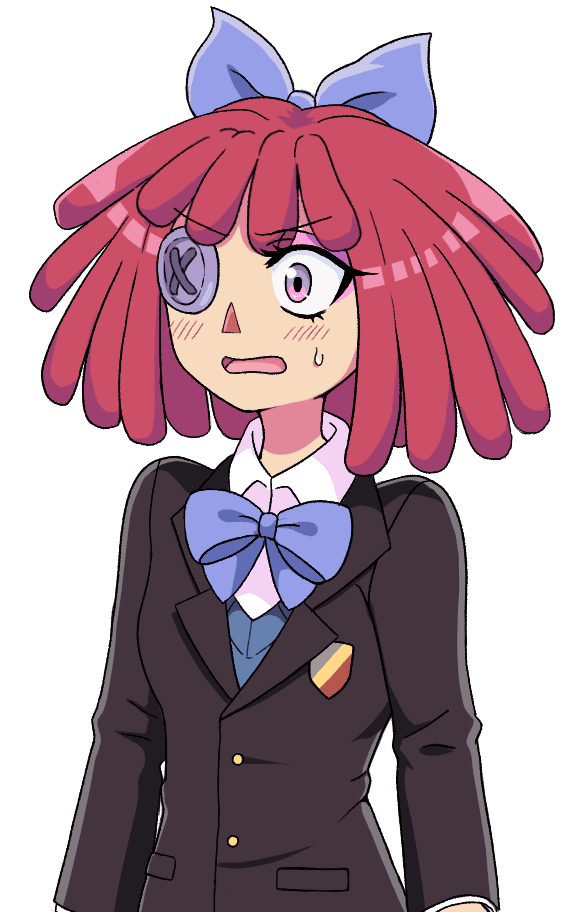
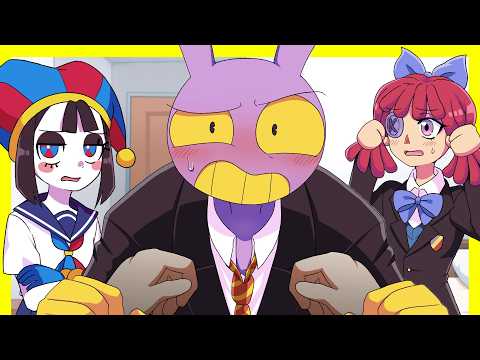
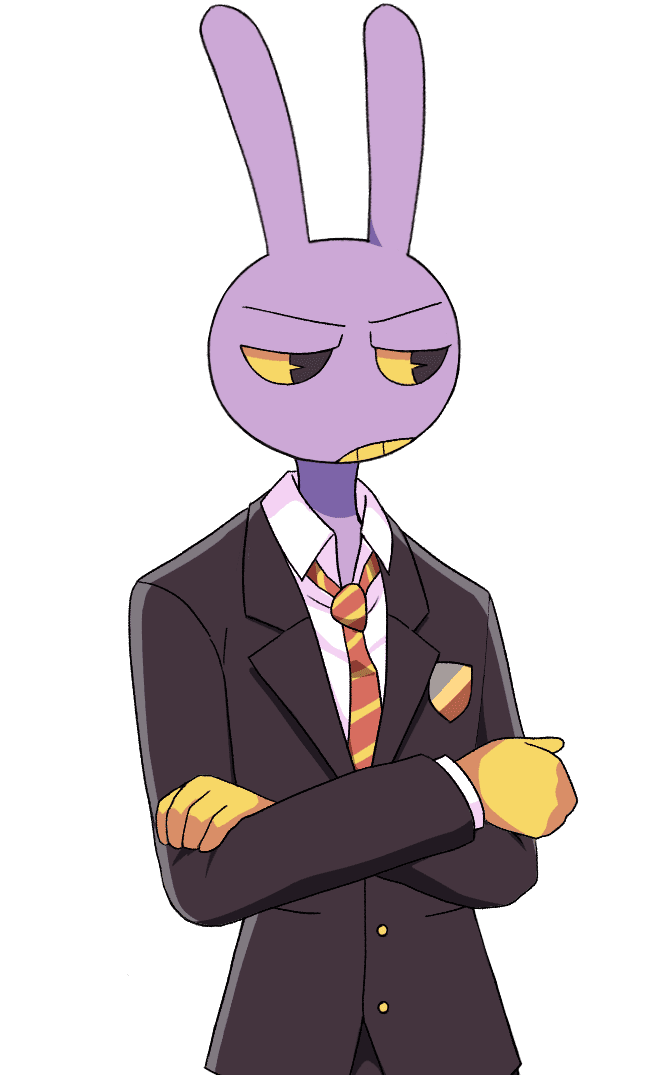
The Amazing Digital Dating Simulator—often listed as The Amazing Digital Dating Sim—is a visual novel–style fan game by Vocastar: spend five in-game days helping the circus cast prepare for a school culture festival—make choices, build bonds, and pursue routes for Pomni, Ragatha, Gangle, Zooble, and Jax. It is a non-canon homage to The Amazing Digital Circus (TADC).

Story & gameplay basics

Light spoilers kept minimal—exact dialogue and branch flags are in the build.

  • Read and tap through scenes like a typical visual novel. Dialogue and narration advance the festival setup and your relationships with the cast.
  • Romance-oriented routes include Pomni, Ragatha, Gangle, Zooble, and Jax. Other cast may appear in the story depending on the build.
  • Progress day by day toward the festival. Your choices steer which scenes and endings you see—including bad ends if you push the wrong options.
  • Replay to try other choices and routes. The standalone release also highlights gallery or extras on some platforms—see the official page for details.

More context: About (creators, IP note, official downloads).

Gameplay videos

Kwote — The Amazing Digital Dating Sim (playthrough)
Your Game — Day 1 ALL ENDINGS (TADC fangame, longplay)

At a glance

What it is
A free The Amazing Digital Circus dating sim / visual novel set in an anime-adventure take on the cast—festival prep and character routes. Searchers often type "The Amazing Digital Circus dating simulator"; this is the same Vocastar project as on itch.io.
Tone
Character-driven romance and comedy with optional heavier moments depending on route—expect typical VN pacing, not an action game.
Platforms
This page embeds a third-party Web build. For the most reliable experience or offline play, use the official Windows, macOS, Linux, or Android packages on itch.io.
Credits
Made by Vocastar (@vocastar on Instagram and TikTok, per their itch page). Music credited to Vocastar’s partner on itch.io. This fan site is independent—see the footer for the official game link.

Unofficial fan page—not affiliated with Glitch Productions or Vocastar. FAQ & troubleshooting · More context

How to play

Skim the story basics above, then learn controls inside the build.

  • Reading flow: use on-screen prompts—click or tap to advance text and choose options when menus appear. Menus may offer history, skip, or saves depending on the engine port.
  • Saves: use in-game save slots or auto-save if the build provides them; the browser build may reset progress if site data is cleared.
  • Web limitation: some polish or audio features differ from the downloadable build. If the frame feels cramped, use Open full page or install from itch.io.
  • Official downloads (stable builds, patches): get the game only from Vocastar’s itch.io page—avoid repacks or unknown mirrors.
  • More on the creators and IP note: About.

FAQ

Is this official?
No. The Amazing Digital Dating Sim is a non-canon fan work by Vocastar. The series The Amazing Digital Circus belongs to Glitch Productions. This website is a third-party fan hub with an embedded Web player.
Is this the same The Amazing Digital Circus dating game on itch.io?
Yes. The Amazing Digital Dating Simulator and The Amazing Digital Dating Sim are the same visual novel fangame by Vocastar for The Amazing Digital Circus (TADC). This site links to the official itch.io release: https://vocastar.itch.io/tadds-fangame — do not download from random mirrors.
Can I play The Amazing Digital Dating Simulator on Android or mobile?
You can try the Web player on phones and tablets (tap Open full page below the player for a full-tab layout). For Android, the itch.io APK is usually more reliable. There is no official iOS App Store build at the time of writing—browser only on iPhone/iPad unless Vocastar publishes one.
Where should I download the game?
Always use the creator’s itch.io release: https://vocastar.itch.io/tadds-fangame — Windows, macOS, Linux, and Android APK are listed there with install notes.
Will the browser build work on my phone?
Maybe, but visual novels in mobile browsers can have layout or input quirks. For Android, the itch APK is usually smoother. On phones, tap Open full page under the player so the game runs full-tab.
Black screen, only music, or endless loading in the frame
Wait for assets to finish loading. Try refresh, another browser, fewer extensions, or Open full page. If it still fails, download the official build from itch.io—third-party hosting can change without notice.
No audio or sound feels wrong
Unmute the tab, allow audio in the browser, and check system volume. Some browsers block sound until you interact with the page—tap inside the frame after loading.
Where can I discuss the game or report bugs?
Use the comments and community on Vocastar’s itch.io page (https://vocastar.itch.io/tadds-fangame) and their linked social accounts. This fan hub does not host a comment form.